
Personal color analysis for iPhone
Find your color season from one selfie
Tonea measures your skin, hair and eyes and tells you which of the 12 seasons you are, with the colors that suit you. Then try lipstick, blush and hair color on your own photo.
Free download · iPhone · iOS 17 or later
How it works
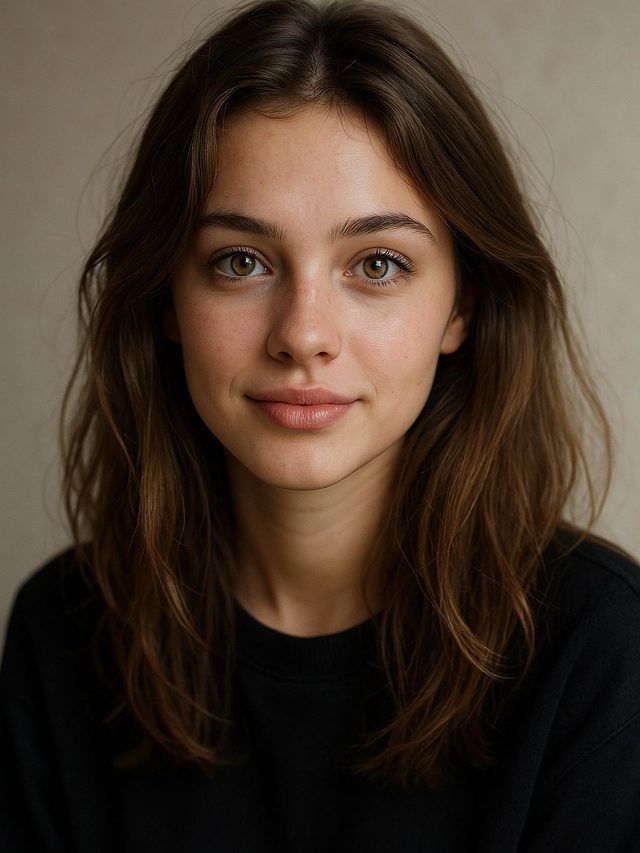
Take a selfie
In daylight, facing a window, without makeup or filters. You can also pick a photo from your library.
Your colors are measured
Tonea reads the color of your skin, hair and eyes and works out your undertone, depth and clarity.
Get your palette
See your season, the colors that suit you, your neutrals and the shades to avoid. It takes about a minute.
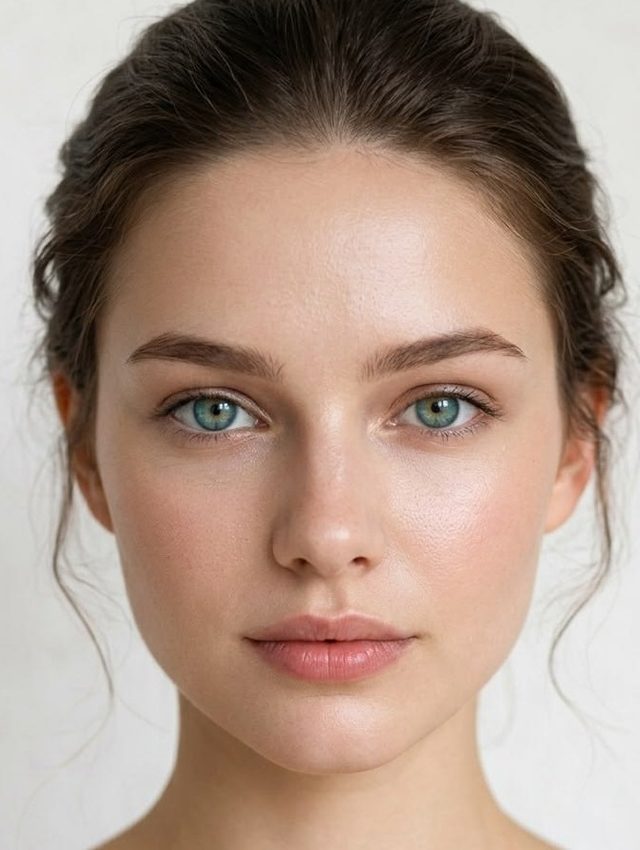
Color analysis
The 12-season system: undertone, depth and clarity, measured from your own photo.
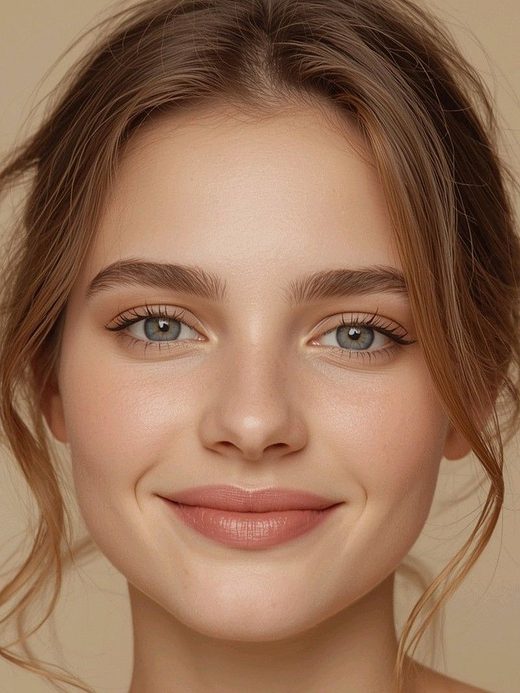
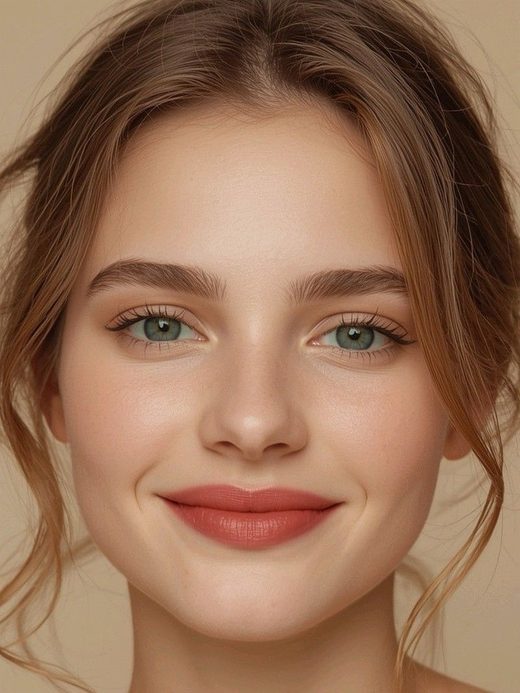
Makeup try-on
Lipstick, blush, eyeshadow and brows on your own face, before you buy.
Everything in one app
Hair color try-on
See dozens of hair colors on your photo and compare them side by side.
Drape test
Warm and cool fabrics next to your face, so you can see which one lights it up.
Color Match
Scan a piece in a shop with your camera and see whether it fits your palette.
The 12 color seasons
Pick a season to see its palette, neutrals, makeup shades and the colors to avoid.
Your photo stays on your phone
Tonea analyzes your photo on your iPhone. It doesn't upload your face to a server, and it doesn't ask you to create an account.
Frequently asked questions
What is color analysis?
Color analysis finds the colors that harmonize with your natural coloring: your skin, hair and eyes. The 12-season system groups people by undertone (warm or cool), depth (light or deep) and clarity (bright or soft).
How does Tonea work?
You take a selfie. Tonea measures the colors of your skin, hair and eyes, compares them with the 12 seasons and shows the one that fits you best, together with your palette.
Where does my photo go?
Nowhere. The analysis runs on your iPhone and your photo is not uploaded.
Is Tonea free?
Downloading Tonea and the color analysis are free. Makeup and hair try-on come with free previews; Tonea Pro unlocks unlimited try-on and your full palette.
Which devices does it work on?
iPhones with iOS 17 or later.
How do I get the most accurate result?
Use natural daylight without direct sun, face a window, and take the photo without makeup or filters.
Stop guessing your colors
One selfie, about a minute, and you know which colors to wear.
Free download · iPhone · iOS 17 or later